
Why Your Booking Confirmation Ended Up in Spam
(And How to Avoid It)
One of our customers recently had a frustrating experience. They booked tickets through a website, completed their purchase – and then heard nothing. No confirmation, no receipt. It turned out the email had been sent, but it landed straight in their spam folder.
Here’s why that happened, and why it matters.
A Quick Bit of Background: What is SPF?
When a company sends you an email, your inbox provider (Gmail, Outlook, etc.) wants to check: is this email actually from who it claims to be from? One of the main ways it does this is through something called SPF – Sender Policy Framework.
Think of SPF like a guest list at the door of a club. The domain owner (the company whose email address is being used) publishes a list of approved “senders” – in this case, the specific internet addresses (IPs) that are allowed to send email on their behalf. When an email arrives, the inbox provider checks the list. If the sender is on it, great. If not, there’s a problem.
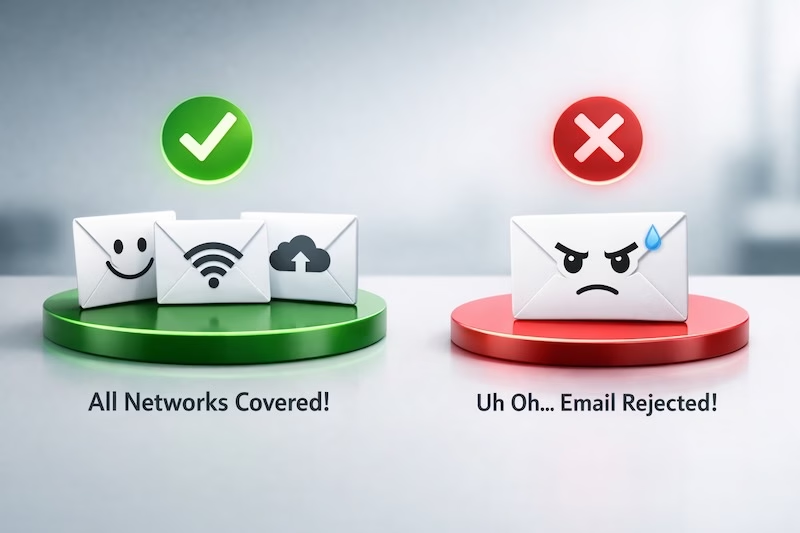
What Went Wrong
The ticketing website was sending emails – booking confirmations, receipts – from a server whose IP address wasn’t included on the domain’s SPF guest list. In other words, they’d set up SPF, but forgotten to add the ticketing system to it.
To make matters worse, the SPF record was set to hard fail (-all). This is the strictest setting. It tells receiving mail servers: “If the sender isn’t on this list, reject or penalise this email.”
The result? Our customer’s inbox treated the confirmation email with serious suspicion, and filed it under spam.
Why This Could Have Been Even Worse
Our customer was lucky, in a way. Their inbox still delivered the email — just to spam.
If they’d been using Gmail or Microsoft 365 (Outlook), the email likely wouldn’t have arrived at all. These providers take a harder line on SPF failures, especially hard fails, and may reject the message outright before it even reaches the inbox or spam folder.
That means no booking confirmation. No receipt. No way of knowing the email was ever sent – unless you knew to dig through server logs.
The Fix
The solution here is straightforward: the ticketing website’s sending IP needs to be added to the domain’s SPF record. Every system that sends email on behalf of a domain needs to be included – transactional systems, marketing platforms, support tools, all of it.
If you’re unsure whether your SPF record is set up correctly, or you’ve recently added a new tool that sends email on your behalf, it’s worth getting it checked. A misconfigured SPF record doesn’t just cause deliverability headaches – in the worst cases, it can mean your customers simply never hear from you.
More information on SPF Records can be found here.
Need help reviewing your email setup? Get in touch with the team at The Very Good Email Company.