
How to Keep Your Inbox at Zero
Without spending all day on email…
Inbox Zero is a popular email management philosophy, created by Merlin Mann. The goal is to keep your inbox a temporary processing hub and not a permanent storage system or to-do list, freeing your mind from the stress of overflowing messages to work on more important tasks.
But Inbox Zero sounds like a myth, doesn’t it?
Like Bigfoot, or people who genuinely enjoy networking events.
But here’s the truth: achieving Inbox Zero isn’t about becoming a productivity robot.
It’s about working smarter, not harder – and maybe letting go of a few emails that were never going to change your life anyway.
The Psychology of Email Overwhelm (Or: Why Your Brain Hates Your Inbox)
Your inbox isn’t just a list of messages. To your brain, it’s a never-ending to-do list written by other people. Every unread email is a tiny open loop screaming for attention.
No wonder checking email feels like opening Pandora’s box, except instead of releasing evil into the world, you’re just releasing mild anxiety into your afternoon.
The secret? Stop treating your inbox like a storage unit. It’s a processing center.
Things come in, you deal with them, they leave. Like a very boring airport.
The Two-Minute Rule (David Allen)
If an email takes less than two minutes to handle, do it immediately. Reply, file it, delete it—whatever needs doing. The mental energy you’ll spend remembering to do it later costs more than just doing it now.
Pro tip: Most emails need exactly three things: a quick reply, filing in a folder, or deletion. That’s it. You’re not defusing a bomb here.
The Folder System That Actually Works
Forget elaborate folder hierarchies with names like “Q3-2024-Client-Correspondence-Northeast-Region.” You’re not a filing cabinet from 1987. Here’s all you need:
- Archive – Everything you’ve dealt with goes here. Searchable, out of sight, zero guilt
- Action Needed – Emails requiring more than two minutes but less than forever
- Waiting On – You’ve done your part; now you’re waiting on someone else. (This folder is excellent for maintaining sanity.)
- Read Later – Newsletters, long articles, that TED talk your colleague swears will change your life. Review weekly or admit you’ll never read them.
That’s it. Four folders. Maybe five if you have a specific project that’s drowning you in correspondence.
The Morning Routine (15 Minutes to Freedom)
Spend 15 minutes first thing sorting, not responding. Scan your inbox and make quick decisions:
- Delete/Archive anything that doesn’t need a response
- Quick replies (under 2 minutes) get handled immediately
- Everything else goes into “Action Needed”
Now your inbox is empty, your brain is calm, and you can actually decide what deserves your attention today.
Warning:
Don’t start your day by responding to emails. That’s letting everyone else set your agenda. Sort first, prioritize second, respond third.
Unsubscribe Like Your Sanity Depends on It
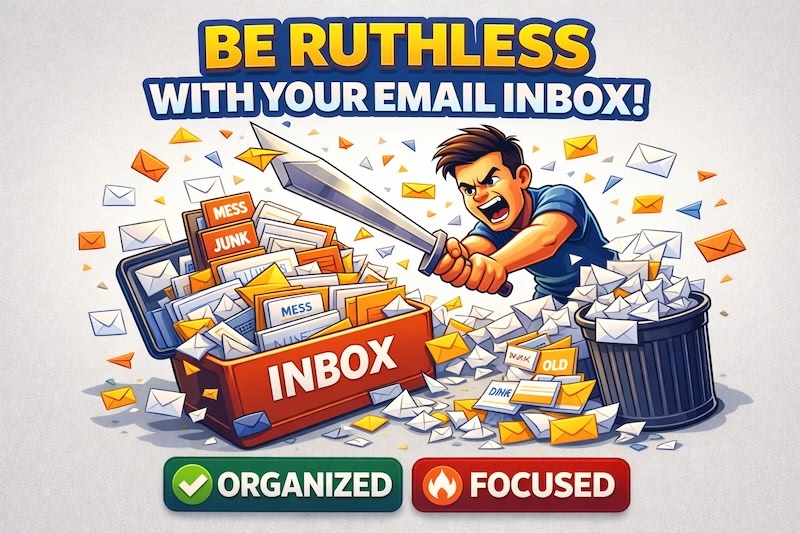
Be ruthless. If you haven’t opened emails from a sender in two months, unsubscribe. Yes, even that daily inspiration newsletter you signed up for during a particularly optimistic phase of your life. You can be inspired without 300 unread emails from BrainyQuote.
Modern email clients often have an unsubscribe button right at the top. Use it with the enthusiasm of someone Marie Kondo-ing their closet.
Filters and Rules: Your Silent Email Assistants
Set up filters to automatically sort predictable emails:
- Receipts and confirmations → Archive (you can search for them if needed)
- Newsletter subscriptions → Read Later folder
- Team updates or automated reports → Dedicated folder
- Your boss’s emails → Flagged/Starred (let’s be honest)
Spend 10 minutes setting these up once, save 10 minutes every day forever. That’s what we call a good investment.
The Afternoon Check-In (Just One)
Check email 2-3 times per day max. Morning, midday, end of day. That’s plenty.
Constant checking is how you end up spending all day “managing email” instead of doing actual work.
Reality check:
Very few emails are genuine emergencies. If something is truly urgent, people will call or text. Your inbox can wait an hour.
The Weekly Review (10 Minutes to Stay Sane)
Every Friday (or Monday, if you’re feeling fresh), spend 10 minutes reviewing:
- Action Needed – What can be done or delegated?
- Waiting On – Should you follow up?
- Read Later – Archive it all or admit you’ll never read it. Both are valid choices.
The Nuclear Option: Declare Email Bankruptcy
If you’re starting with 10,000 unread emails, here’s the truth: you’re never reading them all. Select everything older than 30 days, archive it, and start fresh. Anything truly important will come back around. This is not irresponsible; this is pragmatic.
Send a quick note to key contacts: “I’m reorganizing my email system. If there’s something urgent I missed, please resend.” Then let it go.
The Bottom Line
Inbox Zero isn’t about perfection. It’s about treating your inbox like a tool, not a to-do list, not a filing cabinet, and definitely not a measurement of your worth as a human being.
Process efficiently, decide quickly, and remember: the goal isn’t zero emails. The goal is zero mental clutter. Your inbox should serve you, not haunt you.
Now close this tab and go sort those emails. Your future self will thank you!