Configuring IMAP
Youʼve made a good choice. MessageBunker *loves* IMAP. By using IMAP, you will enable MessageBunker to download all your historic

Youʼve made a good choice. MessageBunker *loves* IMAP. By using IMAP, you will enable MessageBunker to download all your historic
MessageBunker is happiest when working with IMAP – this enables you to use the full features of the service including
Prerequisites: MessageBunker Journaling Account configured. An Office 365 (Enterprise) account. Setup:Login to your online Office 365 (Enterprise) account. Select “Manage”
From the main MessageBunker Control Panel menu select “Add Mailbox” > “Add Mailbox Manually”. The screen below should appear: Protocol: Choose
If you are moving your email account(s) from one system to another, then MessageBunker provides the most seamless way of
General prerequisites: MessageBunker account. Remote email server with IMAP support enabled. Restoring. Login to your MessageBunker account. Pause the current
MessageBunker for Mobile enables users of iPhones and Android phones to access their MessageBunker stores in a suitable iOS-style interface.
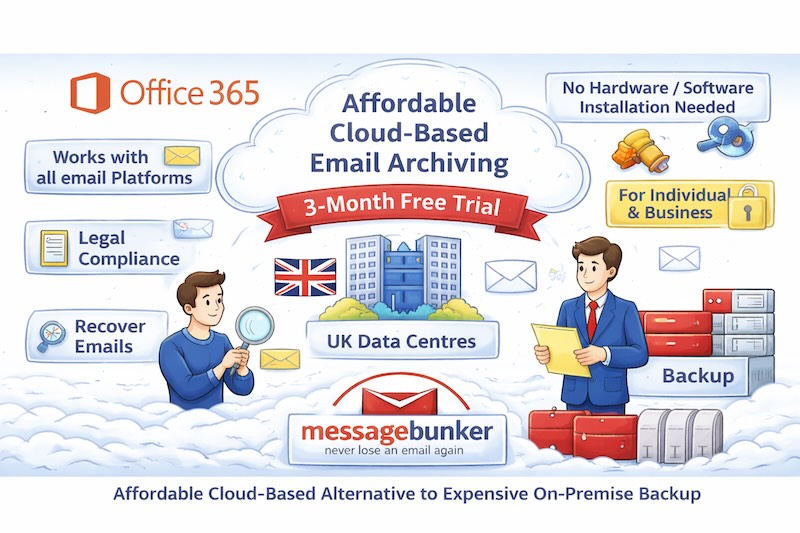
Having a separate cloud-based email archive like MessageBunker can be invaluable, even if you already use email services with their